
Everyday building
operations,
made easier.
Connect access, visitors, contractors and facility workflows—with ongoing support to help your team keep the building running smoothly.

For the people who keep buildings running.
Keeping a building running
takes constant coordination.
From staff access and contractor visits to facility requests and after-hours events, your team keeps many activities moving every day.
Repeated checks.
Separate records.
Entering information and checking activity across different systems.
Requests that need
your attention.
Keeping track of approvals, faults and outstanding actions.
Beyond normal
office hours.
Making sure events reach the right people when the management office is closed.
More demands.
Resources to manage.
Balancing service expectations, manpower and ongoing system support.
When workflows connect, your team can spend less time coordinating routine steps.
Connect daily work.
Support your team.
VerifSuite Business brings technology, remote operational support and physical response together, with the balance shaped around your building’s needs.
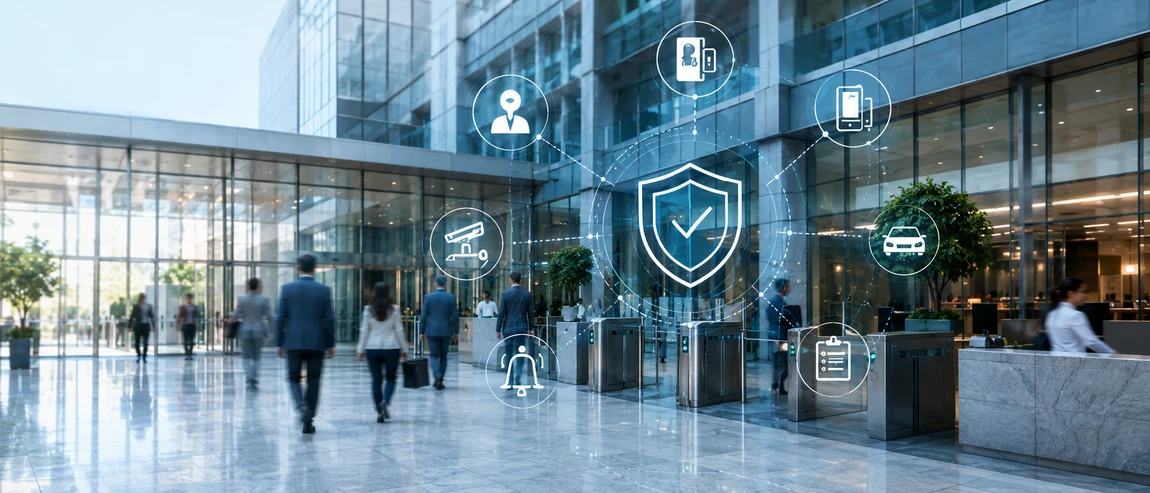
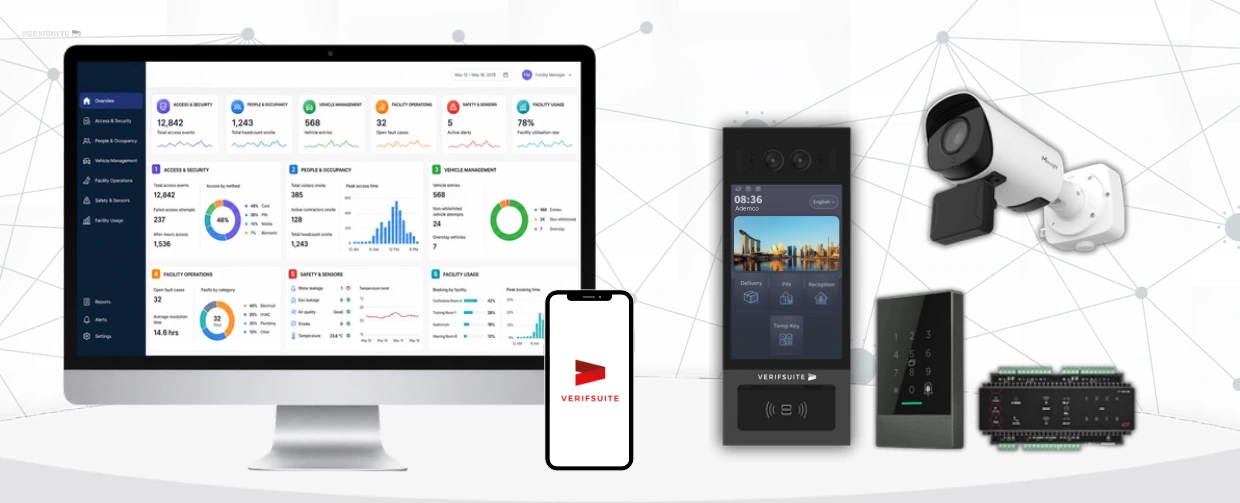
Automate
Connect access, visitors, contractors, facilities and activity records to reduce repetitive administration.
Monitor
Extend coverage through selected monitoring, event verification and agreed escalation workflows.
Respond
Support situations that need human judgement, physical presence and on-site intervention.
Fewer manual steps.
More connected operations.
Explore how connected workflows help your team manage people, permissions and shared facilities.
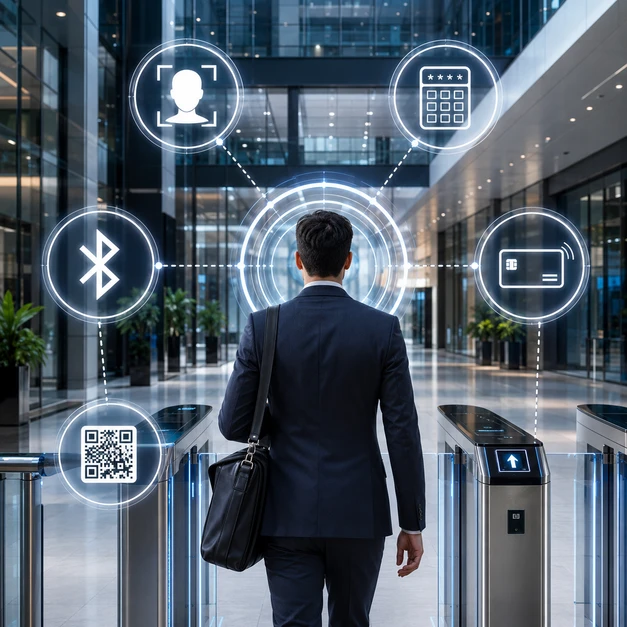 Illustrative building experience
Simpler access.
Less credential administration.
Manage access permissions for authorised users, with methods suited to your building and its entry points.
Available methods depend on equipment and configuration. Vehicle LPR is covered under Visitors & Vehicles.
See what needs attention.
Keep follow-up moving.
Give your team a central place to review building activity, receive requests and coordinate follow-up—from one site or across multiple locations.
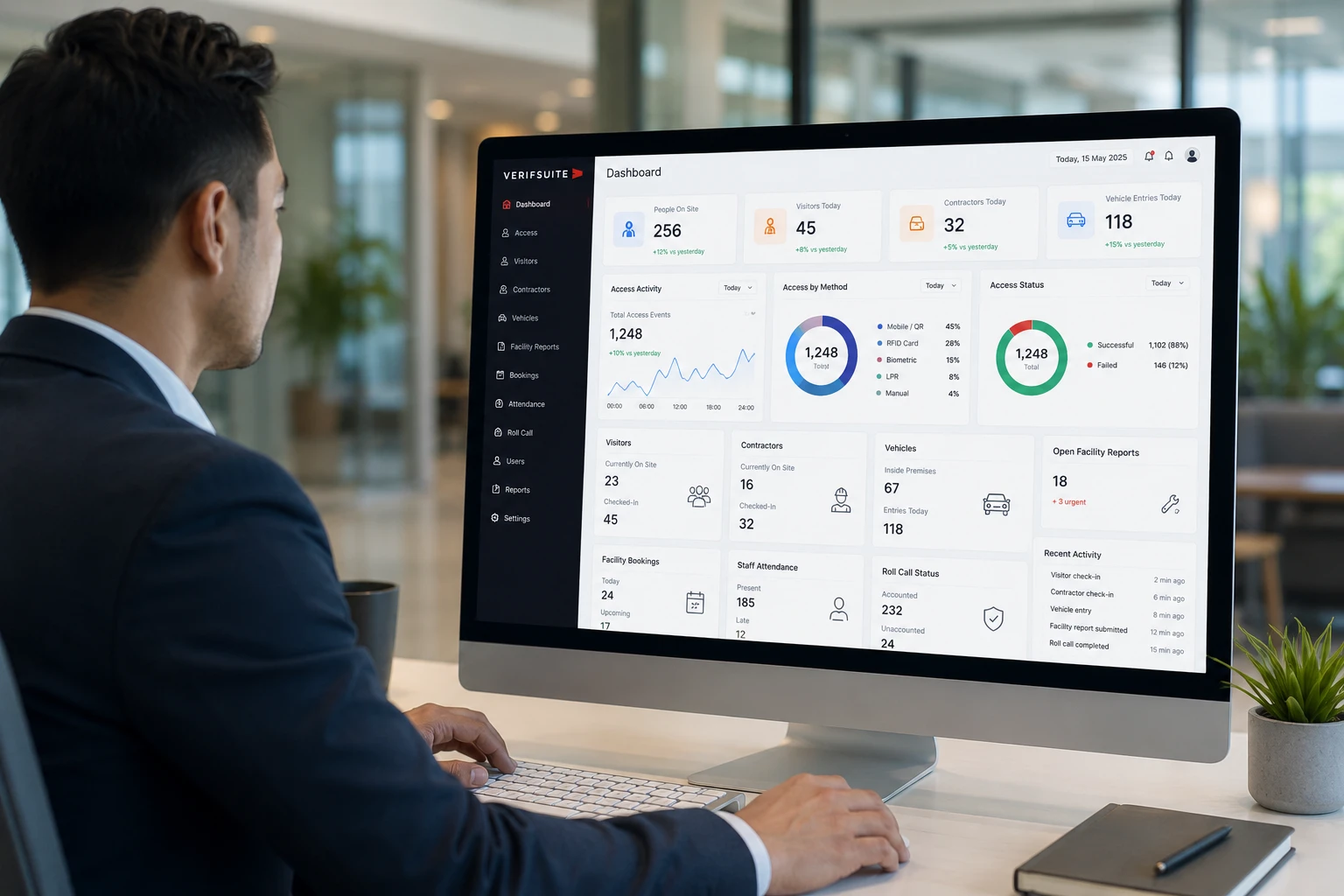
Review access events, visitor and contractor status, vehicle movement, bookings and selected operational information.
Dashboard information and available functions depend on connected systems, configuration and service scope.
Support beyond
the platform.
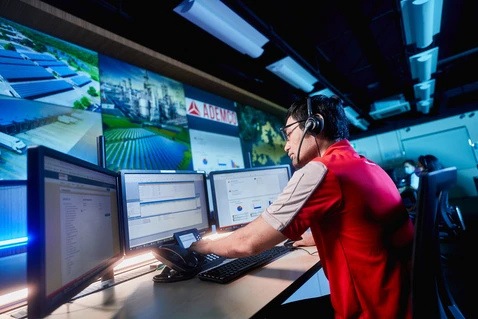
Your team does not have to handle every monitoring task directly. Ademco’s CMCC can support selected monitoring, verification and escalation, with physical attendance coordinated when required.

VerifSuite Video Guard Tour
Remote patrols of designated building areas, following agreed schedules and procedures.
VerifSuite Video Alarm Monitoring
Review alarm events and relevant video to support appropriate escalation.
VerifSuite Ops
Monitor selected operational processes and essential services within the agreed scope.
DECAMS
24/7 fire alarm monitoring to support emergency notification and response.
Monitor
Selected activities and alarms are monitored under the agreed service scope.
Verify
Relevant information is reviewed to assess whether further action is needed.
Respond
Notify designated contacts and coordinate on-site officers or Rapid Response where required.
Human support where it matters.
On-site officers manage access exceptions and tasks requiring judgement. Rapid Response supports attendance under agreed escalation arrangements.
Clearer control for
sensitive building areas.
Manage access to plant rooms, server rooms, rooftops and other restricted zones through identity verification, approved permissions and traceable access records.
Fast & Secure Access (FSA) extends the suite for restricted-area requirements, with monitoring support where included.
Discuss restricted-area access ↗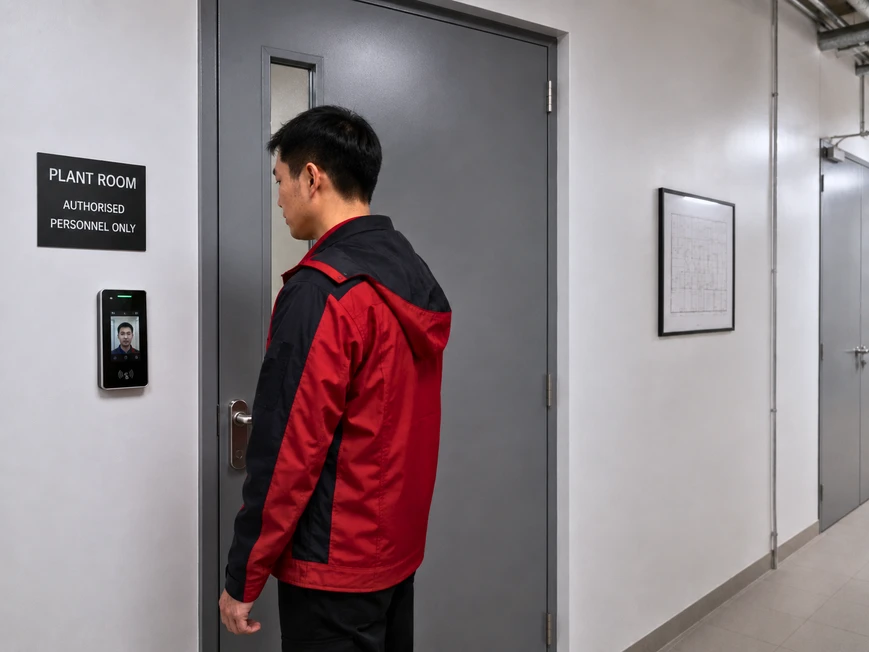
A more connected way
to run a commercial building.
A multi-tenant building relied on manual coordination for access, visitors, bookings, attendance and after-hours coverage.
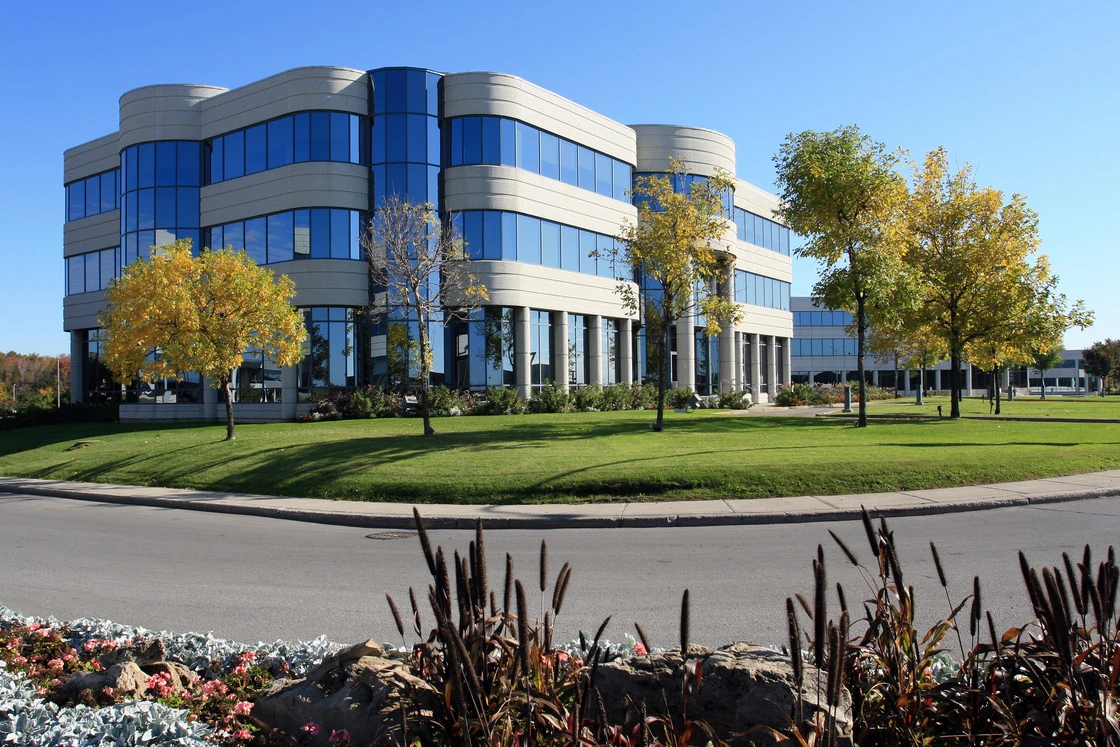
The deployment example illustrates specific workflows. Configuration and outcomes vary by building and service scope. Images are illustrative.
Staff access & attendance
Cards and attendance records required separate administration.
Identity-based access and captured access events reduced duplicated steps.
Visitor arrivals
Guards registered visitors and contacted hosts on arrival.
Pre-registration and self-registration reduced repetitive arrival processing.
Facility bookings
Paper requests, approvals and access arrangements were coordinated separately.
Digital bookings connected approval workflows with access for the authorised period.
After-hours coverage
Routine coverage and investigation relied heavily on permanent on-site manpower.
Remote guard tours and alarm verification supported escalation and physical attendance when required.
The purchase price is only the start.
What happens after installation?
Compare a hardware-and-installation purchase with a managed service that includes ongoing care.
Buy first.
Fund ongoing needs separately.
& support
& replacement
Plan the service.
Include ongoing care.
Defined responsibilities for upkeep and recovery.
Compare the cost of a working system over time—not just buying it.
Conceptual comparison, not a cost estimate. Actual total cost and accounting treatment depend on scope, contract terms and site requirements.
Plan for operations
and support over time.
A recurring service arrangement helps bring technology, maintenance and agreed support into your operating plan, reducing the need for a large upfront system purchase.
Review the full cost over time—from installation and ongoing maintenance to repair, replacement and future requirements.
Pay-as-you-use pricing, hardware coverage, upgrades and support depend on the agreed contract. Actual costs vary by site and scope.
Planning for
your building.
A few practical details before we start a conversation.
Download the brochureCan it work with our existing systems?
Compatibility depends on your current equipment and configuration. Our team can review your setup and identify what can be integrated and where changes may be needed.
Can we manage more than one site?
The management portal supports single-site and multi-site administration. The appropriate structure, roles and permissions are reviewed against your requirements.
Can contractor access follow our approval rules?
Contractor details can be captured before arrival, with permissions linked to approved dates, times and areas. Workflow configuration is reviewed during setup.
Can we retain our on-site security officers?
Yes. The guard app and portal support visitor registration, entry records and vehicle alerts. Remote services can complement officers’ responsibilities under agreed arrangements.
What is included in ongoing support?
Technical maintenance, hardware coverage, monitoring and response responsibilities are defined in your service agreement.
How do we plan an implementation?
Start with a review of current workflows, equipment and priorities. The team can then propose a suitable scope, including integration requirements and implementation planning.
Let’s make everyday
building operations
easier.
Tell us about your building and the workflows that take up your team’s time.
We can review your current approach and explore where connected workflows or managed services could help. A short introductory online call is a good place to start.
info@verifsuite.com ↗